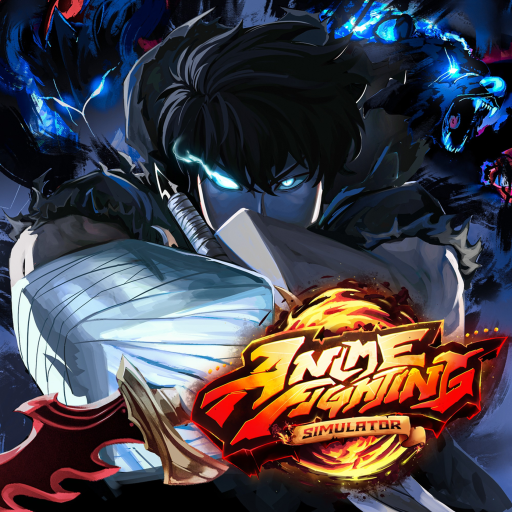
Game match
Check that the Roblox experience is the Anime Fighting Simulator | BZ release before following a code, tier, or guide claim.
Start in the right game, use the current official code, and make one visible progression choice at a time. This avoids wasting boosts on advice written for a different Anime Fighting Simulator release.
Check that the Roblox experience is the Anime Fighting Simulator | BZ release before following a code, tier, or guide claim.
UPD4RELEASE is named in the public Roblox description. Other current code claims need an in-game check.
The official loop includes training stats, powers, champions, bosses, and leaderboards. Start by observing one training focus instead of splitting every reward.
This route uses only systems visible in the current Roblox description and pages that label uncertain information clearly.
Open the official Roblox page and confirm the title still identifies the current BZ release.
Open the codes page, use UPD4RELEASE first, and treat extra tracker claims as a quick in-game test.
Choose one stat or training goal for the session instead of spreading boosts across unfamiliar systems.
Use Total Power badge labels as visible milestones, not proof of a hidden multiplier or required route.
Look at the current champion and power interfaces before spending summon or roll resources.
Save a boss, zone, drop, or build detail only when the current release or a creator-owned source actually shows it.
See official, tracker-reported, and conflicting rows in one list.
Next decisionKeep milestones separate from claims about formulas or locations.
Before a buildUse system-level choices until a named pick has current proof.
Confirm the current BZ game, claim the official code, and keep your first session to one visible training focus.
If a menu, reward, or route does not match this guide, stop and check whether you are in the BZ release rather than a legacy or Endless version.
The current Anime Fighting Simulator | BZ Roblox release at place 100429474155186.
Check the official code line and pick one visible training goal.